

- Home
- Health & Safety
- Working with Display Screen Equipment Course
Working with Display Screen Equipment Course
£15 + VAT


Written By Allison
- CPD Accredited | Instant Certificate | Mobile Friendly | Bulk Discounts Available
Trusted by care providers, healthcare organisations, businesses and workplace teams
The Working with Display Screen Equipment (DSE) Course provides practical guidance on workstation safety, ergonomic positioning, eye strain, musculoskeletal risks and screen breaks.
Designed for employees, managers and remote workers, this one-hour online course explains employer responsibilities under UK DSE regulations and how to reduce risks associated with prolonged screen use.
Learners develop the knowledge to recognise workstation hazards, improve working arrangements and support a safer working environment.
Working with Display Screen Equipment Course Summary
Course Name: Working with Display Screen Equipment (DSE) Course
Duration: 1 Hour
Delivery: Online Training Course
Certificate Included: Instant Digital Certificate
Accreditation: CPD Accredited
Suitable For: Office Staff, Healthcare and Social Care Professionals, Remote Workers, IT Staff, Managers, HR Teams and Employees Using Display Screen Equipment
Assessment: Online Multiple Choice Test
Access: Instant Access – 12 Months
Duration
1 hour
CPD Points
1
Last Updated:
25 Jul 2026
What is Working with Display Screen Equipment (DSE) training?
Working with Display Screen Equipment (DSE) training teaches employees how to use computers, laptops, monitors and other screen-based equipment safely.
Poor workstation arrangements and prolonged screen use can contribute to back pain, neck discomfort, repetitive strain injuries, headaches and visual fatigue.
This course explains how to recognise these risks and apply practical measures to reduce them.
Learners explore correct seating positions, monitor placement, keyboard arrangements, suitable lighting, regular breaks and DSE workstation assessments.
The training also covers employer responsibilities, eyesight testing, home working and portable computers.
Under the Health and Safety (Display Screen Equipment) Regulations 1992, employers must assess and reduce risks for workers covered by the regulations and provide appropriate information and training.
Completing this course helps employees apply safer working practices and supports organisations in meeting their DSE health and safety responsibilities.
CPD Accredited
User friendly interactive courses
Instant Access
Enrol Now – Start Instantly
Certify Instantly
Certificate Available Immediately
Learn on Any Device
Train on Phone, Tablet or Computer
Money Back Guarantee
14 Day Money Back Guaratnee
How Would You Like to Access This Course?
Flexible options for individuals, staff teams and organisations
1
Instant Online Purchase
From 1 to 100+ learners • Bulk discounts available • Instant online access and certificates included
- Instant Access - No Quote Required
- CPD Accredited Certificates Included
- 100% Online & Mobile Friendly
- Assign Courses to Staff, Friends or Family
- Track Progress and Completions Online
- 14 Day Money Back Guarantee
£15 + VAT
CPD • Certificate included • Start instantly
Quantity
Per Course Price
1+ Courses
£15 + Vat
5+ Courses
£9.40 + Vat
10+ Courses
£8.49 + Vat
30+ Courses
£7.99 + Vat
50+ Courses
£6.49 + Vat
100+ Courses
£4.99 + Vat
2
Need Ongoing Staff Training?
Best value for teams of 8+ learners who need regular mandatory, induction and refresher training.
- Save Money on Staff Training
- Access Our Full 200+ Course Library
- Instant certificates issued
- Track Compliance Across Your Team
- Free Learner Replacements
- Reporting & Certificate Management
- CQC inspection ready
- Lowest price guarantee
- Dedicated Support
Best Price Guarantee • CQC Inspection Ready
When should I choose Caredemy Teams?
Caredemy Teams is ideal for organisations with 8+ learners who need access to multiple courses for mandatory training, induction training, and annual refreshers. Benefit from our best-value pricing, free learner replacements, compliance reporting, and access to our full course library. If you only need a small number of CPD courses, you can buy online instantly.
Access friendly, dedicated expert support whenever you need it, with guidance available throughout your learning journey
All-access individual subscription
Get unlimited access to 200+ CPD-accredited courses. One low monthly price. Learn anytime.
Buy any 5 courses for £47
Mix and max any courses.
CPD accredited - Certificates included.
Who Is This Course For?
The Working with Display Screen Equipment Course is suitable for employees who regularly use computers, laptops, tablets or other display screens during their working day.
This includes office administrators, receptionists, customer service advisers, call centre staff, IT professionals, data entry teams, designers and employees working remotely or in hybrid roles.
In healthcare and social care, the training is relevant to care home administrators, registered managers, GP receptionists, medical secretaries, NHS administrative teams, care coordinators and staff using electronic care records or patient management systems.
HR professionals, supervisors, health and safety representatives and facilities managers can also benefit from learning about workstation risks and employer responsibilities.
The course is suitable for new starters, staff undergoing induction, employees changing workstations and those requiring refresher training on safe DSE working practices.
Key Benefits
✓ Identify DSE hazards that contribute to back pain, neck strain and eye discomfort.
✓ Set up desks, chairs, monitors and keyboards for safer, more comfortable working.
✓ Apply practical methods to reduce fatigue and discomfort during prolonged screen use.
✓ Recognise when workstation assessments, adjustments and eyesight tests may be needed.
✓ Support safer home working, hybrid working and portable computer use.
✓ Demonstrate knowledge of UK DSE safety requirements with a CPD-accredited certificate.
Course Modules
- Working with Display Screen Equipment – Course Introduction
- Introduction to Display Screen Equipment
- Employer Requirements
- Health Risks of Display Screen Equipment
- Assessments & Workstations
- DSE Assessment Software
- Work Routine & Breaks
- Eyes & Eyesight Testing
- Steps to Improve DSE Work
- Training & Information
- Home Working
- Reviewing Arrangements
- Specialised DSE Equipment
- Creating a Comfortable DSE Arrangement
- Setting Up a Workstation
- Changes in Activity
- Portable Computers
Ready to start?
Learning Outcomes
Learner Outcome | Covered |
|---|---|
Identify common health risks associated with prolonged display screen use | ✓ |
Explain employer responsibilities under UK DSE regulations | ✓ |
Recognise poor posture and workstation arrangements that increase musculoskeletal risks | ✓ |
Identify factors to consider during a DSE workstation assessment | ✓ |
Explain how DSE assessment software can support workstation assessments | ✓ |
Apply appropriate positioning principles for chairs, screens, keyboards and other equipment | ✓ |
Identify lighting and screen adjustments that help reduce glare and visual discomfort | ✓ |
Explain the importance of regular screen breaks and changes of activity | ✓ |
Describe employee rights relating to DSE eyesight tests and corrective appliances | ✓ |
Recognise common DSE risks associated with home and hybrid working | ✓ |
Identify when specialised or adapted DSE equipment may be appropriate | ✓ |
Explain how to improve the safe use of laptops and portable computers | ✓ |
Recognise when workstation arrangements should be reviewed or reassessed | ✓ |
Identify how to report DSE-related discomfort and workstation concerns | ✓ |
Training 8+ Staff Across Multiple Courses?
Purchasing multiple licences for this training course? Simply adjust the quantity and buy online today.
If you need ongoing training for 10+ employees across multiple subjects, our Team Training platform provides access to 200+ CPD accredited courses, compliance reporting, learner management and bulk enrolment tools.
- Access 200+ CPD Accredited Courses
- Manage All Learners In One Place
- Compliance & Audit Reporting
- Bulk Enrolment & Certificate Tracking
- Dedicated Account Support
Team Training Solutions
Ideal for care providers, healthcare organisations and workplace teams training multiple employees.
Why Choose Caredemy?
- Instant Certificate
- CPD-accredited courses
- Money Back Guarantee
- Expert-designed training
- 120,000 learners trained
- Flexible online learning
- Compliance-focused
- Dedicated support
What Our Learners Say?
“The workstation setup advice was practical and helped me recognise changes I needed to make at my desk.”
Sarah Mitchell
Office Administrator
“Clear explanations of screen breaks, posture and DSE assessments. Useful for supporting our administration team.”
James Carter
Care Home Manager
“A straightforward course covering the essentials of safe computer use, particularly for staff working from home.”
Rebecca Collins
HR Coordinator
4.87/5 from 91+ learners
Why Is Working with Display Screen Equipment (DSE) training important?
Display Screen Equipment training is important because prolonged computer use and poorly arranged workstations can contribute to musculoskeletal discomfort, visual fatigue and reduced employee wellbeing.
Employees working with electronic care records, patient information systems, office computers or home workstations may spend several hours using screens each day.
Without suitable workstation arrangements, employees can experience back pain, neck strain, wrist discomfort and headaches.
DSE training helps workers recognise these risks, adjust their equipment, maintain comfortable working positions and take appropriate breaks.
For employers, the training supports workplace risk management, staff wellbeing and compliance with UK health and safety requirements.
In healthcare and social care settings, comfortable working arrangements can also help staff maintain concentration when completing records, communicating with colleagues and managing important administrative tasks.
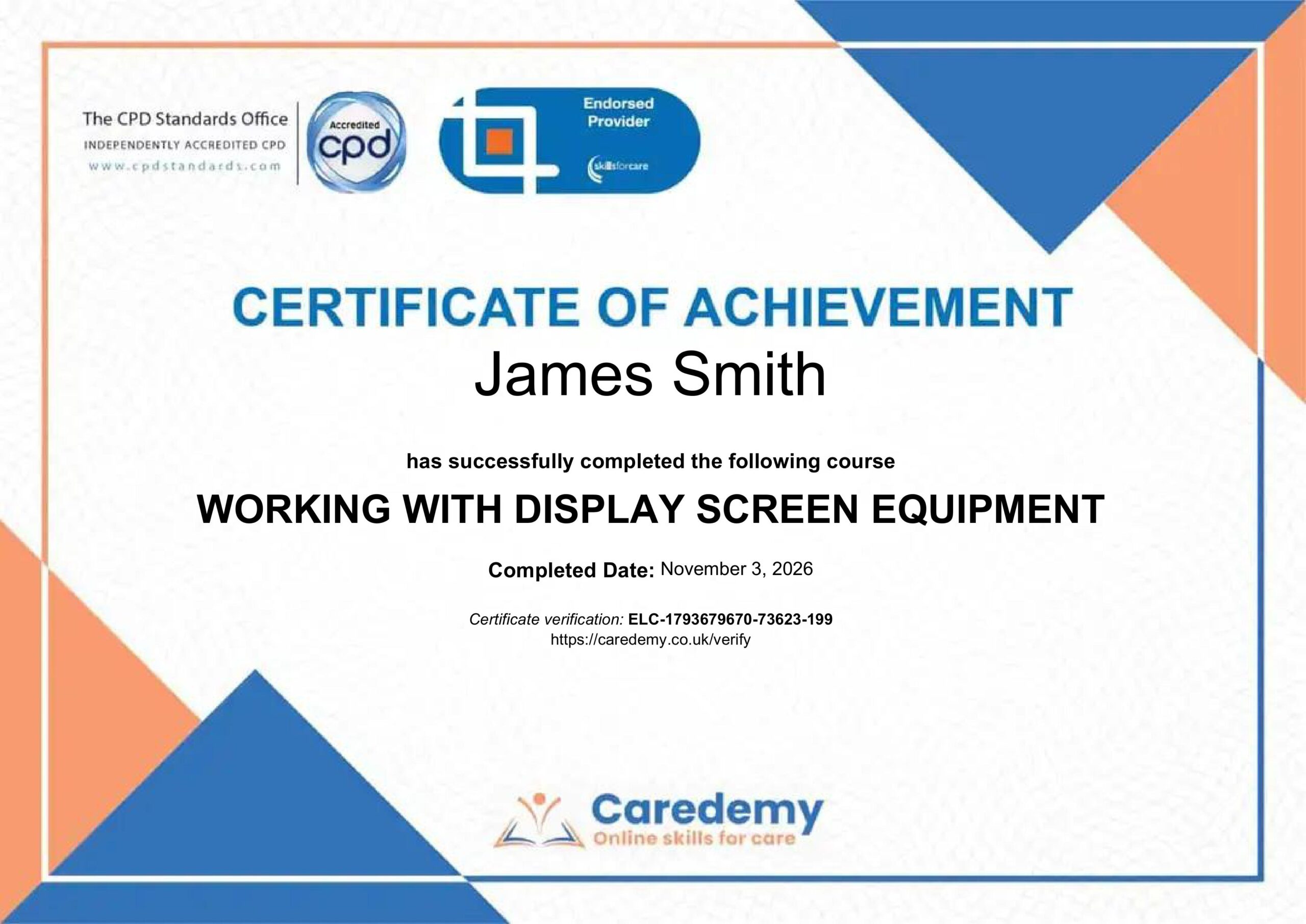
Instant Course Certificate
Is Working with Display Screen Equipment (DSE) training a legal requirement in the UK?
Yes. UK employers must provide appropriate health and safety training and information to workers covered by the Health and Safety (Display Screen Equipment) Regulations 1992, as amended.
The regulations generally apply to employees who use DSE daily for continuous periods of an hour or more.
Employers must assess relevant workstations, reduce identified risks, plan suitable breaks or changes of activity and provide eyesight tests when requested by eligible DSE users.
However, the law does not require employees to complete a specific accredited online course or obtain a DSE certificate.
Training should help workers recognise risks, adjust workstations and report discomfort or equipment concerns.
An online DSE course can form part of an employer’s training arrangements, but it does not replace workplace assessments or other legal responsibilities.
Trusted by 120,000+ learners
Trusted by care providers, healthcare organisations, businesses and workplace teams across the UK for high-quality online training
Office & Commercial
Health & Social Care
Industrial, Warehousing & Facilities
Hospitality, Retail & Public Services
Working with Display Screen Equipment training (DSE) FAQ?
What is Display Screen Equipment (DSE) training?
Display Screen Equipment (DSE) training teaches employees how to use computers, laptops, monitors and other screen-based equipment safely.
It covers ergonomic workstation arrangements, correct posture, health risks, screen breaks, eyesight testing and employer responsibilities.
Caredemy’s Working with Display Screen Equipment Course provides one hour of online training designed to help employees recognise hazards and apply safer working practices in offices, healthcare settings and home workplaces.
Who needs Display Screen Equipment training in the UK?
Employees who use display screen equipment daily for continuous periods of an hour or more will generally fall within the scope of the UK DSE Regulations.
This can include office workers, NHS administrators, care home managers, receptionists, IT professionals and remote workers.
Employers must provide appropriate training and information to covered workers. Employees who use screens less frequently may also benefit from learning safe workstation practices.
Is DSE training a legal requirement in the UK?
UK law requires employers to provide appropriate DSE health and safety training to workers covered by the Health and Safety (Display Screen Equipment) Regulations 1992.
However, there is no legal requirement to complete a particular online course or hold a CPD-accredited DSE certificate.
Employers must also assess relevant workstations, reduce risks and provide suitable information about safe screen use and eyesight testing.
How often should Display Screen Equipment training be completed?
UK DSE regulations do not specify a fixed period for refresher training.
Employers should review training needs when employees change workstations, start using different equipment, move to home working or experience DSE-related discomfort.
Periodic refresher training may help reinforce good posture, workstation adjustments and safe screen habits.
Organisations should determine suitable refresher intervals through their risk assessments, workplace procedures and employees’ individual needs.
How long does the Working with Display Screen Equipment Course take?
Caredemy’s Working with Display Screen Equipment Course takes approximately one hour to complete and provides one CPD point.
The training is delivered online and covers workstation assessments, health risks, screen breaks, eyesight testing, home working and portable computers.
After successfully completing the online multiple-choice assessment, learners receive an instant digital certificate that can be downloaded or printed.
Do employers have to provide free eye tests for DSE users?
Yes. Under UK DSE regulations, employers must arrange and pay for an appropriate eye and eyesight test when an eligible DSE user requests one.
If the examination identifies a need for special glasses specifically for DSE work, the employer must meet the cost of an appropriate basic pair.
Employers are not normally required to pay for ordinary prescription glasses suitable for general use.
Does DSE training apply to employees working from home?
Yes. UK DSE regulations can apply to employees working permanently from home or following hybrid working arrangements.
Where the regulations apply, employers must assess workstations and take appropriate steps to reduce risks.
Home workers should consider seating, screen height, lighting, keyboard placement and available working space.
Caredemy’s DSE course includes home working, portable computers and practical workstation arrangements to help employees work more comfortably outside traditional offices.
Do I receive a certificate after completing the DSE training course?
Yes. Learners who successfully complete Caredemy’s Working with Display Screen Equipment Course receive a CPD-accredited digital certificate.
The certificate is available immediately after passing the online multiple-choice assessment and can be downloaded or printed.
The course provides one CPD point, making it suitable for workplace training records, induction programmes and refresher training evidence.
Employers can also use Caredemy’s learner management tools to monitor course completion and certification.
Need Training for Multiple Employees?
Train your entire workforce through Caredemy Teams with bulk enrolment, compliance reporting and access to 200+ CPD courses.
- CPD-accredited certificate
- Instant Certificate
- Learn of Any Device
- Money-back Guarantee
Related Courses You May Like


UK Regulations And Guidance

£15 + Vat
Working with Display Screen Equipment Course
- CPD Accredited
- Instant Certificate
- Instant Access
- Bulk Discounts Available