
Aim
- To check group’s progress by course
Log in to Caredemy https://caredemy.co.uk/login/
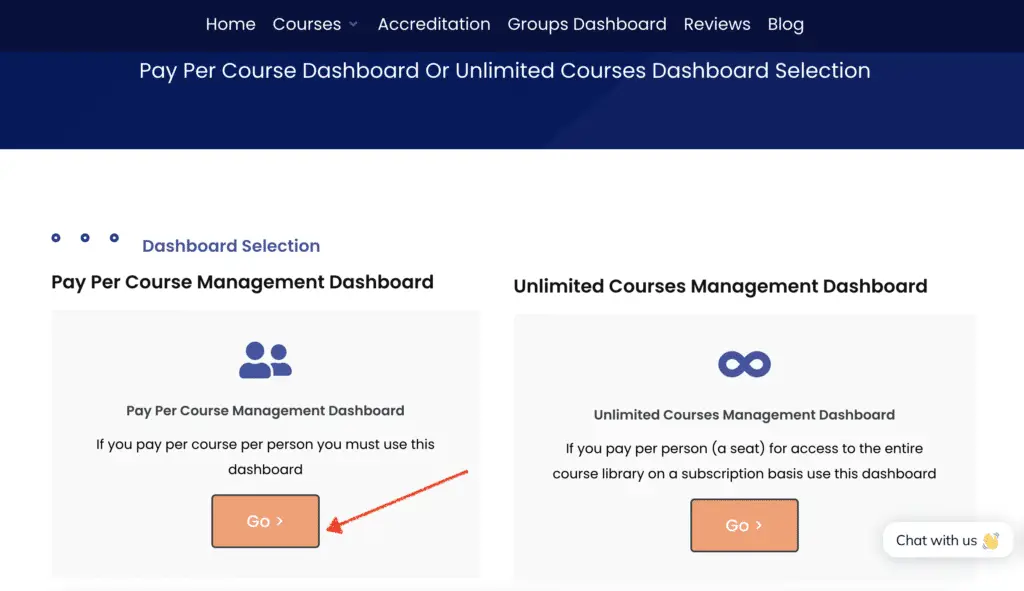
Access the Pay Per Course Group Dashboard
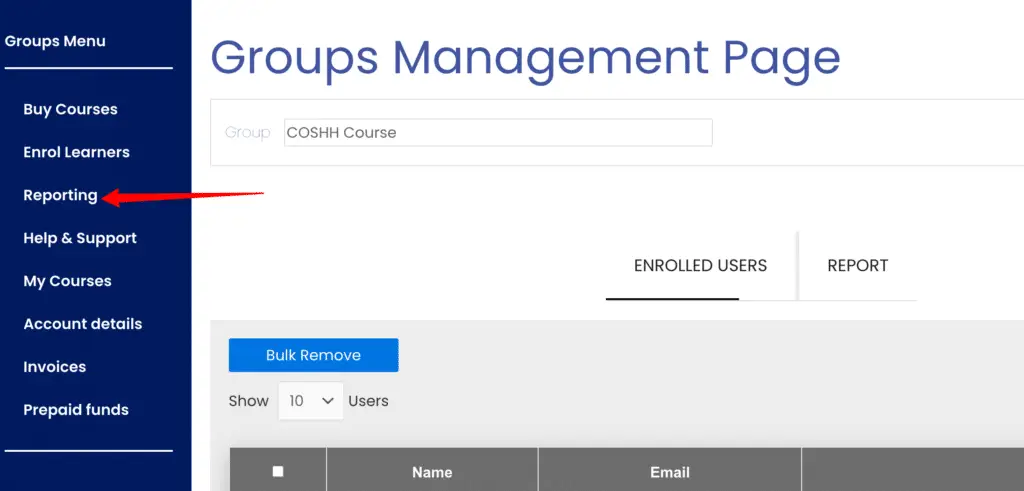
Select the Reporting Tab.
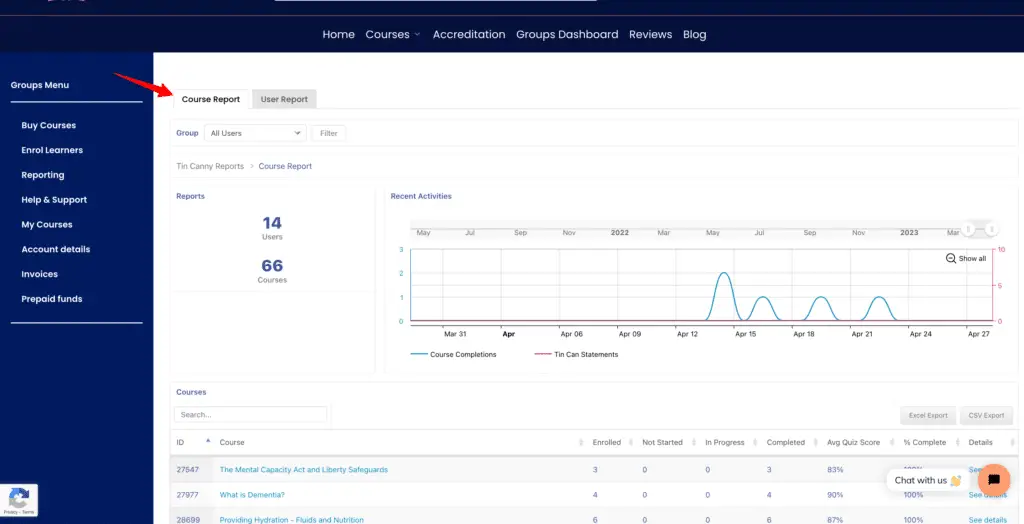
Select Course Report
Search a course via the search box, or select a course from the list.
Note: Course progress bar includes enrolled, completed, not completed and in progress. The data can be downloaded and exported (click Excel Export or CSV Export)
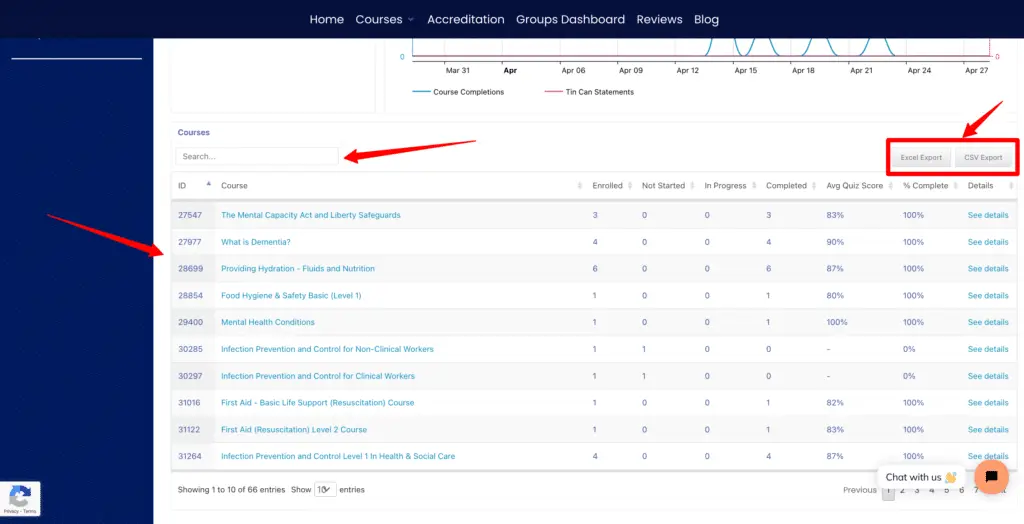
Select “See details” to view more details on that specific course.